
Micro-Animations and UI Microinteractions That Captivate Users
Think about the last time you used an app or website that just felt right. The buttons responded smoothly. The loading icon gently danced while you waited. The menu subtly shifted when you tapped it. You may not have noticed it consciously, but these small touches made your experience more enjoyable and natural. Those tiny moments of motion and response are not accidents. They are crafted with care through micro-animations and UI microinteractions. In a world where users move fast and expect digital experiences to feel alive, these small yet powerful details can turn an ordinary interface into something delightful. They guide, reassure, and reward users without demanding attention.
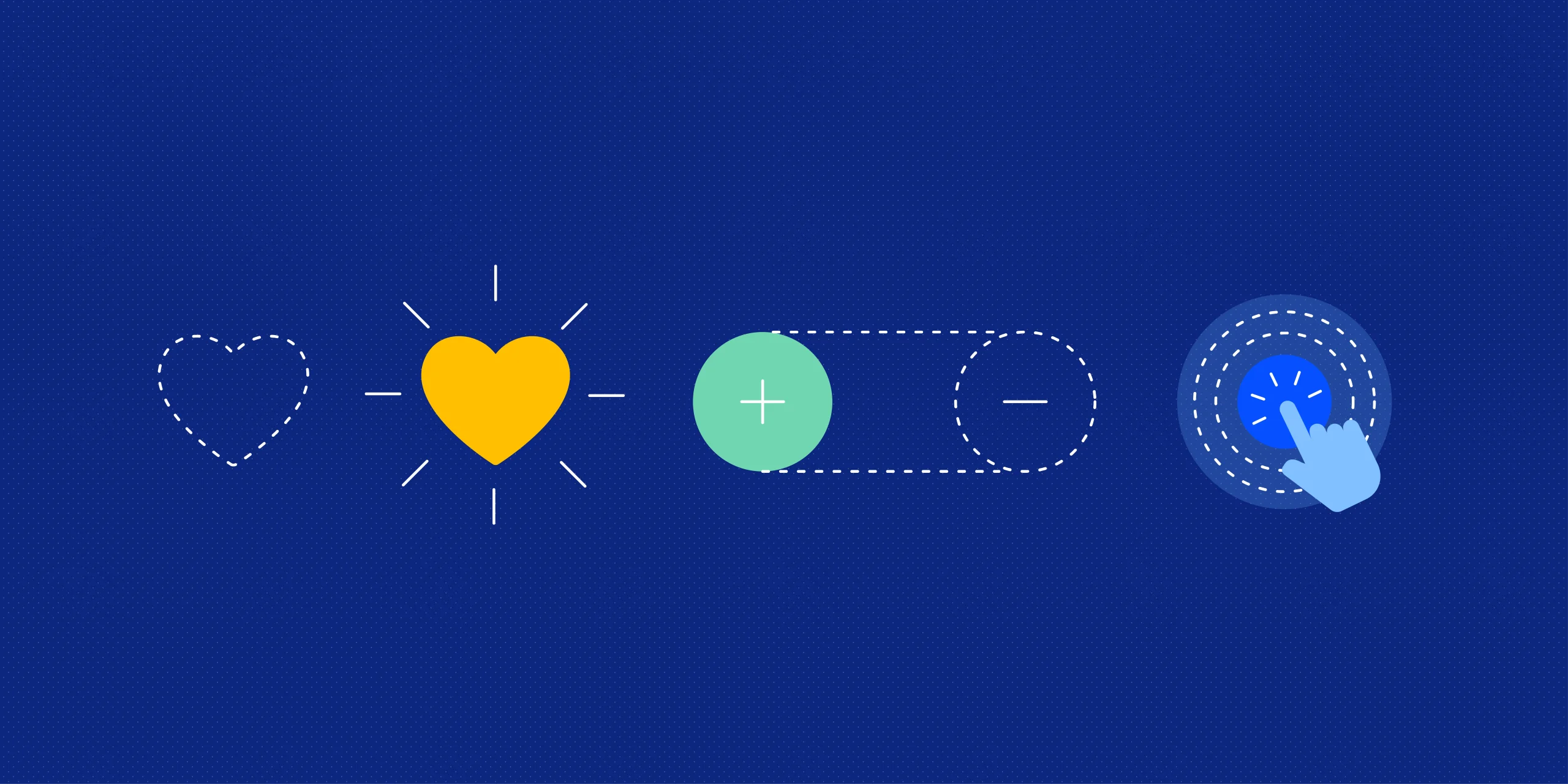
When a heart icon fills up after a click or a button ripples softly under your fingertip, you are experiencing design magic that bridges function and emotion. People are drawn to interfaces that feel human. Micro animations and UI microinteractions bring that sense of personality and playfulness that users crave. They make technology feel less mechanical and more conversational. The smallest animation can express friendliness or trust. The tiniest interaction can reduce confusion and make navigation feel effortless. This article will explore how these subtle details enhance digital experiences, look at micro interactions examples that inspire creativity, and understand how designers use them to build interfaces that connect instantly with users.
Micro-Animations and UI Microinteractions: The Beauty of Small Details
Micro animations and UI microinteractions examples are like the facial expressions of digital design. They might seem minor, but they communicate powerful messages. Think of them as a designer’s way of saying, “I see you. I’m listening to you.” For instance, when a user completes a task and a small checkmark pops up with a quick bounce, it gives instant feedback. It tells the user that the action was successful and adds a sense of satisfaction.
Such small cues create a smooth emotional flow through the interface. These animations also reduce cognitive load. Instead of reading instructions, users can follow motion cues that show what just happened or what to do next. This makes the journey intuitive without cluttering the screen with text or pop-ups.
Micro Interactions Examples That Make an Impact
Micro interactions websites in digital communication can enhance user experience. For instance, on social media, a heart-like heart appears when a photo is double-tapped, creating a playful and emotional connection. On e-commerce websites, a smooth cart icon animation conveys a sense of accomplishment, without words. In messaging apps, soft typing indicators create anticipation and humanize waiting times. Designers often experiment with micro interactions to turn routine actions into delightful experiences, such as hover effects, animated icons, progress bars, and swipe transitions. The magic lies in their timing, rhythm, and subtlety, making digital communication feel more real and alive.
Designing Emotion Through Motion
Micro animations in UI design are not just about movement but also storytelling, balancing function with emotion. Designers use these animations to create a sense of realism and physicality, mimicking natural motion. The secret is to use motion as feedback, not decoration, and respond intuitively to user actions. This visual language helps users predict results and understand relationships between elements, turning complex processes into smooth, enjoyable experiences.
Micro Interactions UI Examples That Inspire Creativity
Micro interactions in user interfaces (UI) can be transformed into charm through creativity. Password input fields with animated hints and scroll indicators create a sense of momentum and flow. Web designers use subtle hover effects to give users gentle feedback, inviting interaction and curiosity. Even loading animations, like bouncing dots or rotating elements, keep users engaged during wait times. These thoughtful details add warmth and personality to digital spaces, transforming a flat interface into an interactive companion. Overall, these details create a more engaging and enjoyable experience for users.
How to Use Micro Animations UI in Modern Design
Integrating micro animations UI into a project requires sensitivity. The goal is not to overwhelm the user but to enhance usability and enjoyment. Here are some ways designers achieve that balance.
- Provide Feedback: Every action should have a visible response. A soft pulse or slide can confirm that something has been clicked or moved.
- Guide Attention: Motion can direct users toward key actions or new content. For example, a slight shimmer on a call-to-action button can gently attract focus.
- Show Progress: Instead of static bars, animated loaders keep users engaged.
- Build Personality: Small, consistent motions can reflect brand identity. A playful brand might use bouncy transitions, while a luxury brand might prefer slow, elegant fades.
Why Micro-Animations and UI Microinteractions Matter
In the digital world, attention is fragile. Micro animations and UI microinteractions hold their attention by making every moment feel responsive and alive. They create rhythm, continuity, and emotion, which turn basic usability into genuine engagement. These tiny design moments remind users that their actions matter. They bring clarity to interactions, reduce uncertainty, and make technology feel approachable. Whether it’s a soft bounce, a glow, or a quick fade, each micro movement strengthens the bond between human and machine. Designers who master these details create experiences that linger in memory. People may forget the layout or the text, but they will remember how smooth and satisfying it felt to use.
To sum up, micro-animations and UI microinteractions are more than decorative effects. They are expressions of care and empathy in design. They make digital experiences intuitive, joyful, and deeply human. Every click, tap, or swipe is an opportunity to connect with the user emotionally. With thoughtful motion and subtle feedback, designers can turn even routine tasks into moments of delight. In a world overflowing with digital noise, it’s often the smallest movements that speak the loudest.